[Mobile Payments] Specific tap on mobile errors #8315
Merged
Conversation
This file contains hidden or bidirectional Unicode text that may be interpreted or compiled differently than what appears below. To review, open the file in an editor that reveals hidden Unicode characters.
Learn more about bidirectional Unicode characters


The iPhone’s built in card reader may need to be configured before it can be used. In this case, Stripe will call our LocalMobileConnectionDelegate with progress of the configuration, in the same way as it does for bluetooth reader software updates.

This commit duplicates and updates the bluetooth reader software update alert for use with configuration updates.
 joshheald
added
type: task
joshheald
added
type: task

Collaborator
You can test the changes from this Pull Request by:
|
joshheald
added
the
status: feature-flagged

koke
approved these changes
Dec 7, 2022
Member
 koke
left a comment
koke
left a comment
koke
left a comment
There was a problem hiding this comment.
I was only able to test the iOS 15 case, since logging out of iCloud on my main device would be very inconvenient, but the code looks good.
| @@ -0,0 +1,39 @@ | |||
| import UIKit | |||
|
|
|||
| protocol CardPresentModalProgressDisplaying: CardPresentPaymentsModalViewModel { | |||
Member
There was a problem hiding this comment.
This part doesn't seem related to errors or mentioned in the description/testing, I'm wondering if this was intentionally included
Contributor
Author
There was a problem hiding this comment.
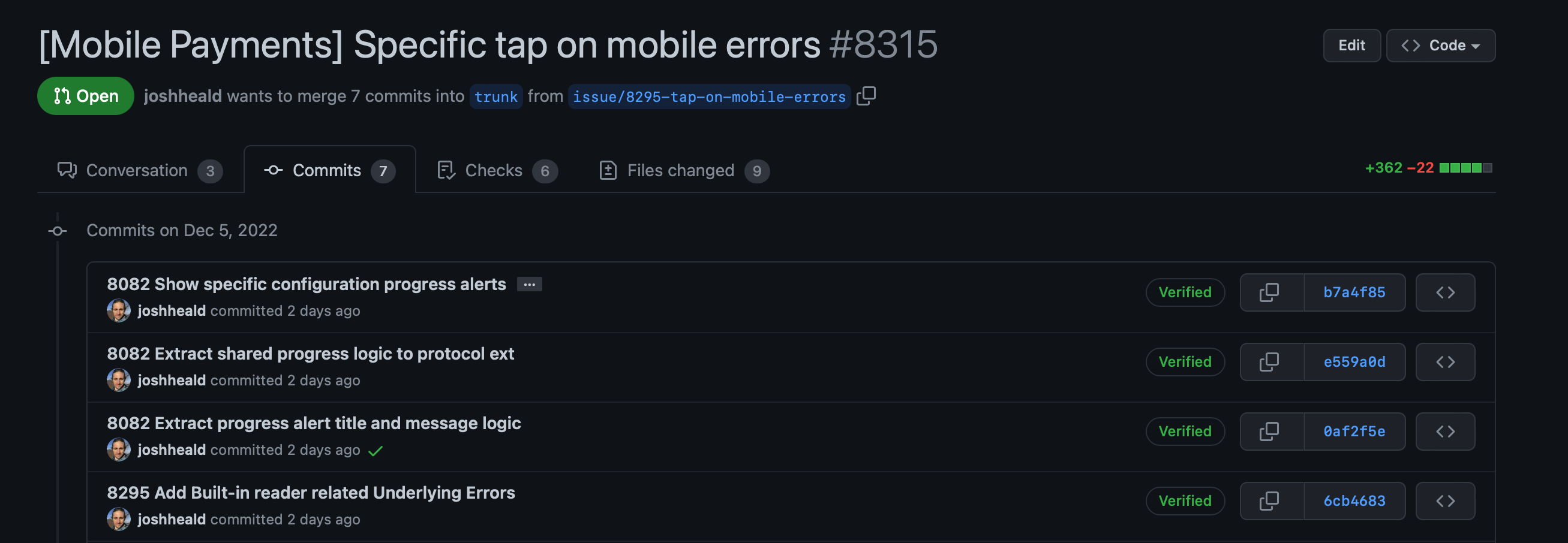
Github's being a bit strange.
Here's the first four commits from this PR:
And here's the three commits from the previous PR, which is merged to trunk:
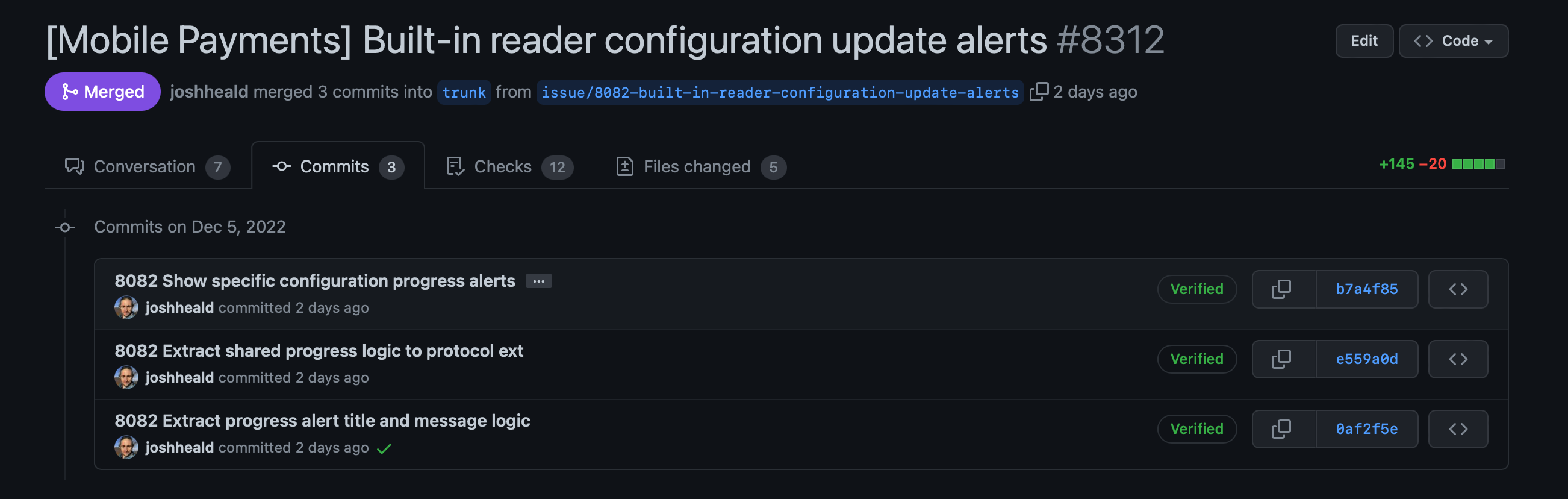
So... they're all already in trunk with matching hashes, so I'm pretty sure this will sort itself out when I merge this PR... but I will check carefully! Thanks for the heads-up.

Sign up for free
to join this conversation on GitHub.
Already have an account?
Sign in to comment


Add this suggestion to a batch that can be applied as a single commit.
This suggestion is invalid because no changes were made to the code.
Suggestions cannot be applied while the pull request is closed.
Suggestions cannot be applied while viewing a subset of changes.
Only one suggestion per line can be applied in a batch.
Add this suggestion to a batch that can be applied as a single commit.
Applying suggestions on deleted lines is not supported.
You must change the existing code in this line in order to create a valid suggestion.
Outdated suggestions cannot be applied.
This suggestion has been applied or marked resolved.
Suggestions cannot be applied from pending reviews.
Suggestions cannot be applied on multi-line comments.
Suggestions cannot be applied while the pull request is queued to merge.
Suggestion cannot be applied right now. Please check back later.
Part of: #8295
Description
In sTAP Away, we're adding support for Apple's built in card readers to take in-person payments. We continue to use Stripe's SDK to handle payments.
Stripe's connection flow is technically very similar to the bluetooth reader flow, but conceptually, there are differences and it's important that we make it clear to users that they are using the built in reader, and don't give the wrong impression that they are connecting to a bluetooth reader, to avoid confusion. Part of that is to display relevant errors and tips to resolve them.
This PR adds the specific error codes which can be produced by the Stripe SDK related to tap on mobile flows. These will show if card reader discovery fails for these reasons. They will show in a generic error screen: #8082 includes tasks to make specific screens for some of these errors.
Testing instructions
🚨 I've been unable to test all of these errors, as iOS wouldn't let me remove the passcode from my device(!)
Using an iPhone XS or newer on iOS 15.7 or older
Menu > Settings > Experimental featuresTap to Pay on iPhoneMenu > Payments > Collect paymentCardon the payment method screenTap to Pay on iPhoneand go through the Terms of Service Apple ID linking (if you've not done so before)Using an iPhone XS or newer on iOS 16.0 without a passcode set
Repeat the above steps, and observe that you see an error message advising you to set a passcode
Using an iPhone XS or newer on iOS 16.0 with a passcode which is not signed in to iCloud
Repeat the above steps, and observe that you see an error message advising you that you need to sign in to iCloud.
Note that this error should only show for a merchant account which has not had Apple's terms of service accepted.
N.B. There are known issues with the payment flow after connection. In particular, #8289, #8288, #8274, and #8085. The payment flow "works", but these issues aren't addressed yet, and some are pre-existing in the legacy flow (just a lot less obvious when you use a bluetooth reader.)
Please do note any issues you find, but give me a shout if you want to check they're known first, just to save writing out detailed repro steps.
Screenshots
RELEASE-NOTES.txtif necessary.